

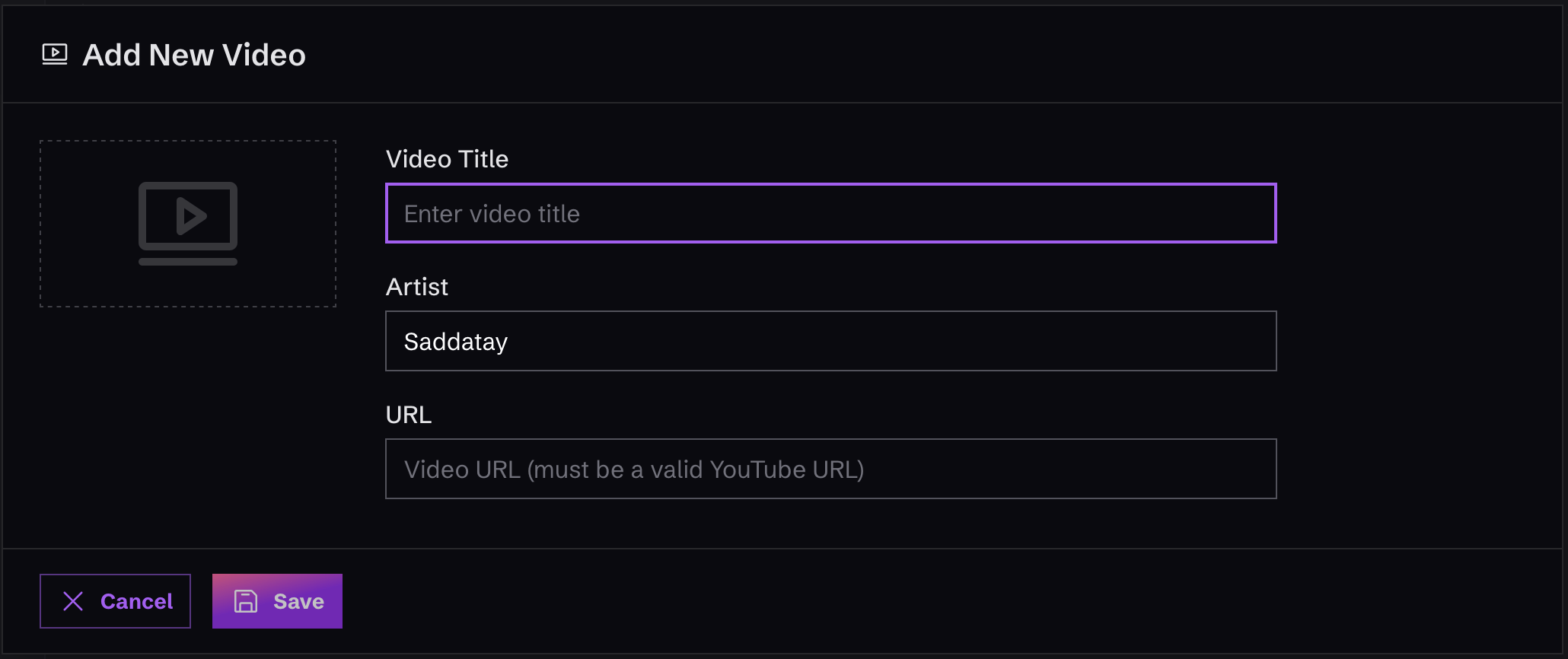
Create a New Video
To create a new video, just click on “Videos” in the left-hand menu, in the “Content” area. Once you’re there, you’ll see a button that says “Add Video”. Click it and fill out the form that appears.Remember that when you add a Video, you’re just adding it to your “inventory” of stuff to include in your website. It won’t actually be visible on the site until you decide to add or edit a “Section” that actually uses the Video!This is helpful, for example, if you want to add a video that hasn’t been released yet, so you can get that work out of the way.