

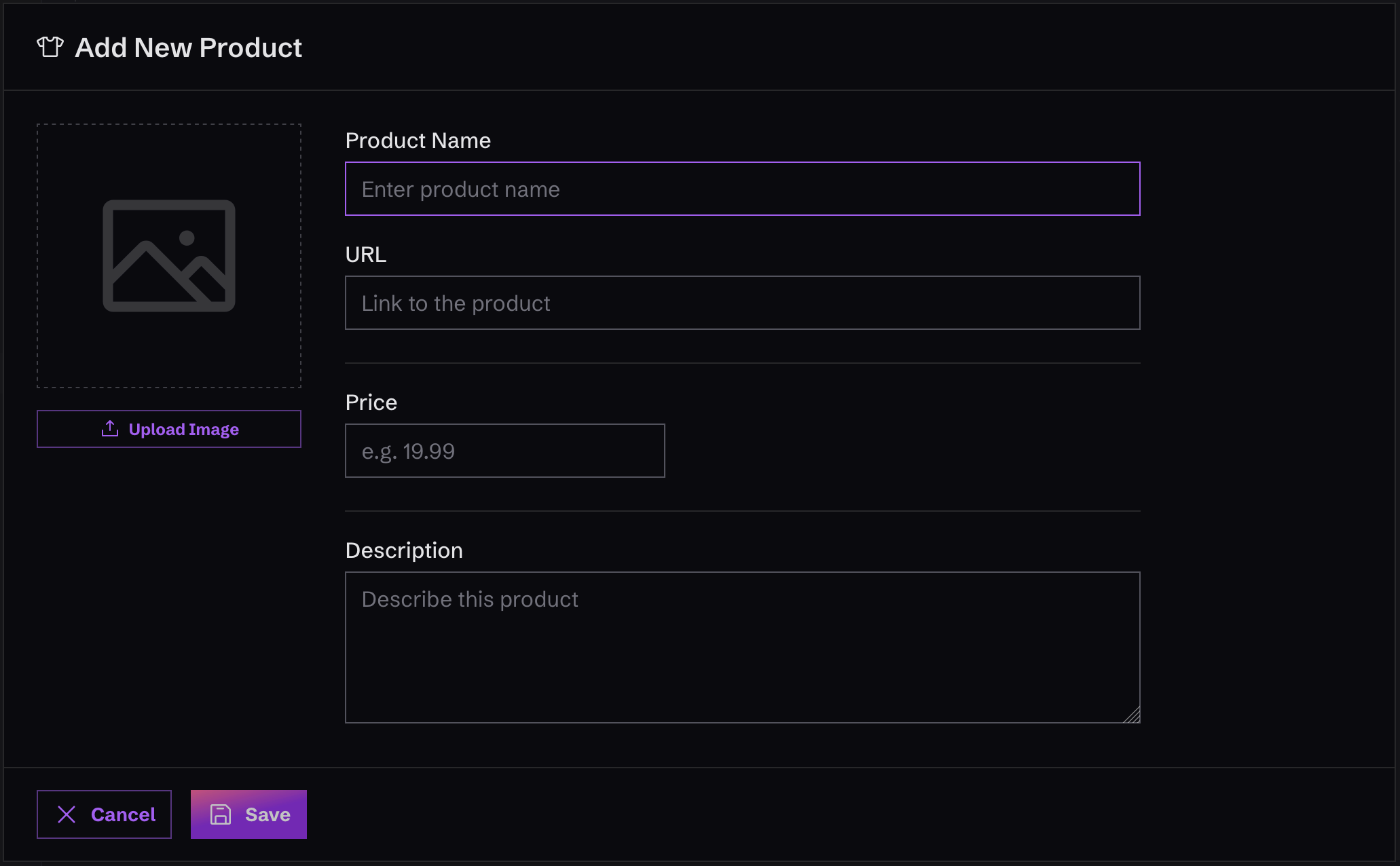
Create New Merch
To create new merch, just click on “Merch” in the left-hand menu, in the “Content” area. Once you’re there, you’ll see a button that says “Add Merch”. Click it and fill out the form that appears.Keep in mind that Monophonic.io doesn’t actually do any e-commerce or let visitors buy your merch. The idea is to create Merch items and link them to wherever you sell them online.This allows you to use whatever service you want to sell your merch. We’re not trying to reinvent the wheel, we just want to help you direct your fans to buy your stuff!