

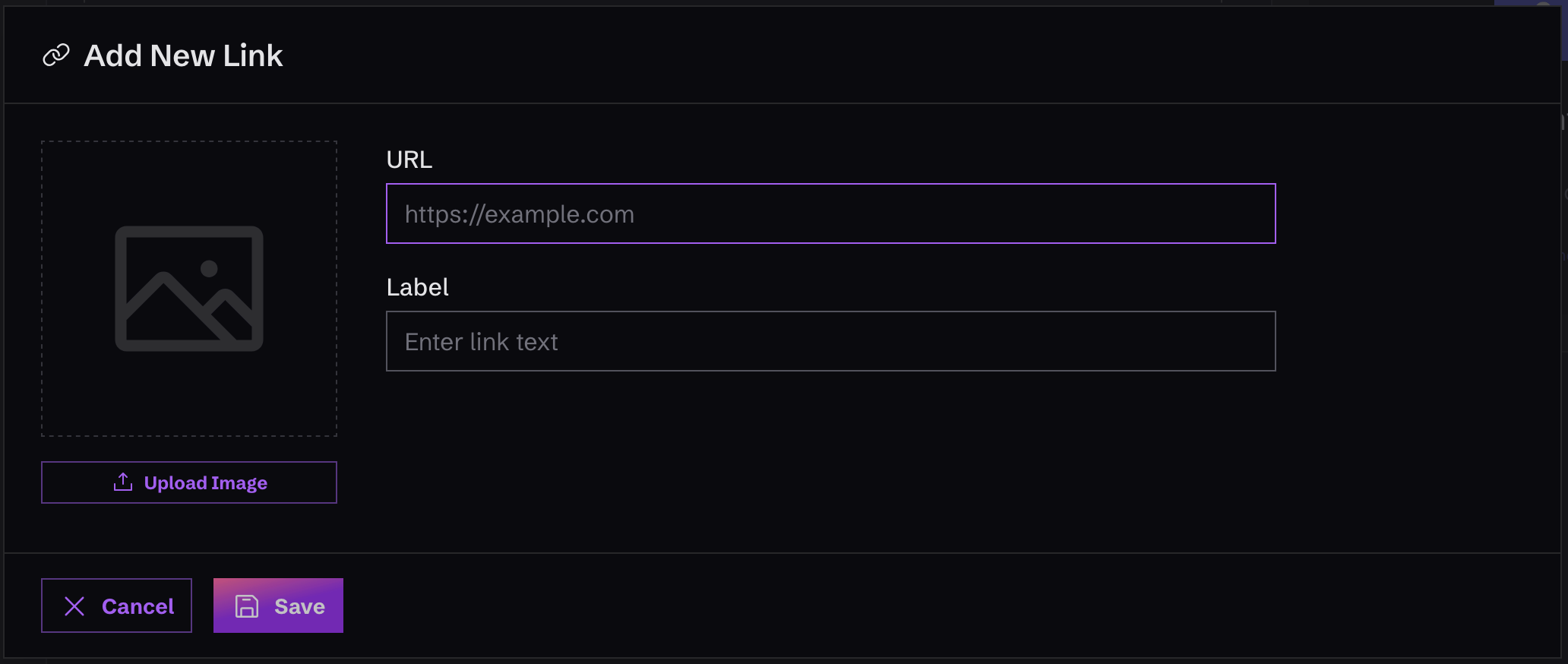
Create a New Link
To create a new link, just click on “Links” in the left-hand menu, in the “Content” area. Once you’re there, you’ll see a button that says “Add Link”. Click it, and type in the URL, and hit save.You can reorder links using the arrows on each link to move it either up or down in the list.