> ## Documentation Index
> Fetch the complete documentation index at: https://docs.monophonic.io/llms.txt
> Use this file to discover all available pages before exploring further.
# Shows Section
> Display all of your upcoming gigs, including links to tickets
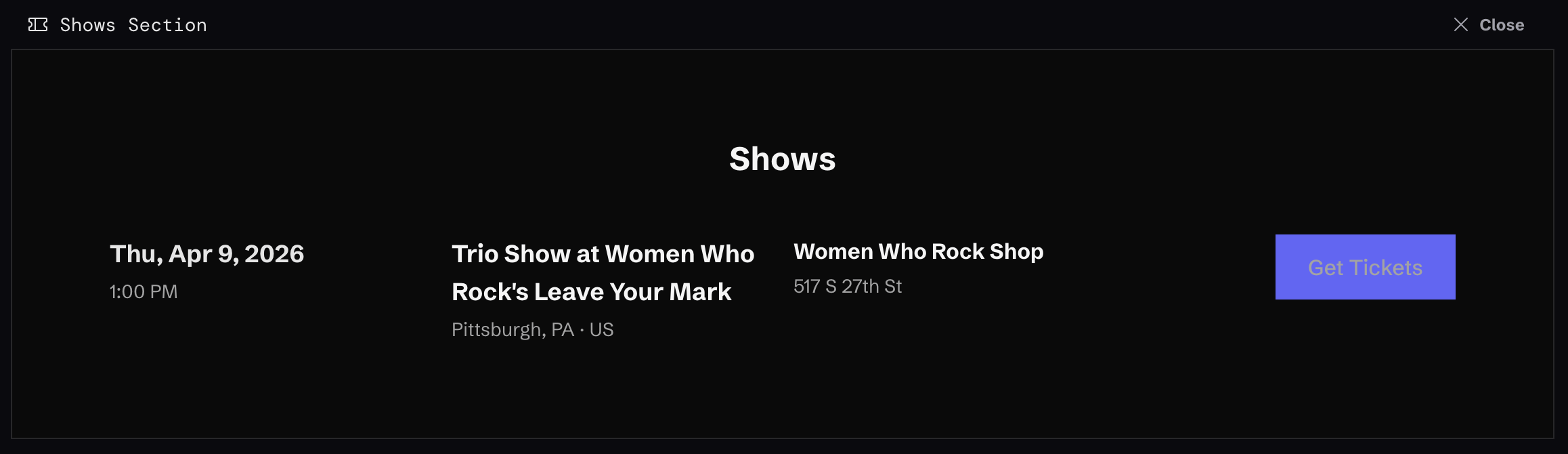 The Shows Section automatically displays all of your upcoming gigs.
Click "Sections" in the left-hand menu, and if you don't already have one added, click "Add Section", and choose "Shows" as the section type.
The new section will get added.
A Shows Section is somewhat unique in that it will automatically display upcoming shows, you don't have to make any manual selections like you do with some other Section types. Just visit "Shows" in the left-hand menu under "Content" to manage your actual shows.
The Shows Section automatically displays all of your upcoming gigs.
Click "Sections" in the left-hand menu, and if you don't already have one added, click "Add Section", and choose "Shows" as the section type.
The new section will get added.
A Shows Section is somewhat unique in that it will automatically display upcoming shows, you don't have to make any manual selections like you do with some other Section types. Just visit "Shows" in the left-hand menu under "Content" to manage your actual shows.